Showing posts with label teach. Show all posts

Monday, March 25, 2013

WebQuest

     WebQuest is a resource on www.zunal.com where you can create an account, then create a personalized quest for your students to follow along.  You can also have free access to hundreds of other WebQuests that you can use in the classroom.
     I created a WebQuest through my Social Studies Methods class.  A part of it is picture to the right.  If you want full access to it, follow the link below.
http://zunal.com/webquest.php?w=189221
I give you permission to use this WebQuest in your classroom and feel free to leave me comments on how to make my WebQuest better.
     Thank you,
Olivia

Friday, February 22, 2013

Pinterest


     Pinterest is becoming more and more of a resource for teachers to come up with ideas for teaching, from story maps and crafts, to classroom management ideas and common core standards.  I would recommend creating a Pinterest "Board" for Teaching Ideas as a place to save your ideas for future units and years.

www.pinterest.com

Sunday, December 2, 2012

Blurring Faces with Photoshop

     In the future, you may find yourself needed to blur a face in a photo for confidentiality purposes as a teacher.  This is really simple to do using the Gaussian Blur function in Photoshop.  As you can see below, the first photo is a photo of Ryan Gosling on the front page of the GQ magazine.  The second photo is the same thing, except for Ryan Gosling's face has been blurred so you cannot tell just by looking at his face who it is. 


Thank you,
 
Olivia 

Saturday, December 1, 2012

Updated Teacher Forms

     During my 40 Hour Field Experience in a 4th grade classroom and in tandem with my Educational Technology class, I was asked to update a few forms for my Field Experience teacher.  We were to take the recommendations from the teacher and use programs such as Power Point and Photoshop to recreate and update these forms.  The forms that I updated are below. 


Thank you,

Olivia 

Instagram Images

     In my Educational Technology class, we worked with Photoshop to create some Instagram image strips that you can use for many different classroom applications.   One way that you can use these images if by printing them on photo paper, cutting the images out, and mod podging them onto small tiles.  Once they are dry, you can attach a small magnet to the back and have some personalized magnets.  This is useful for the classroom because you can have a photo of each student on a magnetic board along with images of "Hot Lunch", "Bag Lunch", "Milk", and "Orange Juice".  Then, you can teach your students to put their specific magnet next to which option they want for lunch and snack, allowing you to record them during extra time and not take away time on task with the students.

Thank you,

Olivia

Exploding Box

Hello,

     In class this past week, we created a special project called an Exploding Box.  This box functions as a regular box but also as a way to creatively display different photos, etc. within the different layers of the box.  When you take the top off the box, the box opens up into what seems like three different boxes (images below).


Some ways to use this box:

  • Holiday presents
  • Storage
  • Classroom project so students can create different projects within the curriculum, such as a twist on a timeline or a fun book report project
  • Etc. 
  • If you have any ideas of how to use this box, comment below :)

     This project is really easy to make - 3 large pieces of cardstock, scissors, and double-sided tape. I also have access to the cut-out templates, so if you are interested in completing this project for school, holiday presents, etc. comment below :)

     Thank you,

     Olivia

Monday, November 26, 2012

Guess How Much I Love You Book

 
     In my Educational Technology class, we picked a children's book and created an audio recording of it for classroom and personal use.  I chose to do a recording of Guess How Much I Love You by Sam McBratney and illustrated by Anita Jeram.  While my recording is not included in this post, the book is wonderful and if you would like to read it, click on the image below and it will lead to you Amazon.com where you can order your very own copy of this wonderful book. 
Thank you,
 
Olivia

Snagit - Classroom Organizer

     As part of a multimedia project in Educational Technology, we were required to use the software Snagit to create a video about a specific classroom resource.  In my group, we chose to use Snagit to explain how to create your own classroom library using the Classroom Organizer website and app.  This is a simple and easy way to create and maintain a classroom library.  To learn how to use it, watch the video below.


     Thank you,
 
     Olivia

Sunday, November 25, 2012

Re-created Classroom Poster

         In my Educational Technology class, we were given an assignment where we had to find a classroom poster we liked and re-create it using Photoshop.  The catch was that we couldn't use copy-paste or pull anything from the poster other than looking at it.  This was a good assignment because it makes you think about the work it takes to create a poster, how significant following copyright laws are, and how creative you can be with Photoshop.  My re-created posters and the original are below.

Original (Above)
Re-created (Below)
 
What do you think?

Thank you,

Olivia
 

Polaroid Pictures

     In my Educational Technology class we learned how to use Photoshop to mimic Polaroid pictures.  You can make large ones and small ones, or even multiple mini-Polaroids on one sheet.  The examples I created are below:


     What do you think?  How can these be used in a classroom setting? Post your answers and comments below.

     Thank you,

     Olivia

Tuesday, November 20, 2012

QR Code Lesson Activity

  • QR Codes are becoming more and more popular in today's technological world as well as in schools. 
    • Teachers are beginning to use these for different activities and lessons during classtime. 
  • In my Educational Technology class we took a stab at creating our own lesson using QR Codes. 
  • Mine is attached below, what do you think?
    • It is a lesson in culture and different countries history
    • It would most likely apply to a diversity and history standard within a school's curriculum

Tuesday, November 13, 2012

Photoshop Final Project

     In my Educational Technology class, we were assigned a final Photoshop project where we were to create a magazine cover using the elements of Photoshop we had learned how to use over the past month or so.  The type of magazine we chose to create was left up to us and we had a significant amount creative leeway.  I decided to do a fun seasonal magazine and this is this would be the cover of the summer issue.  I had a lot of fun with this assignment and recommend trying this using pictures of your family and friends.  They make great poster gifts (using Vistaprint). 

The magazine cover I designed is pictured to the right.
What do you think?
 
Thank you,
      Olivia

Flu Season

    As I am sure you all know, we are entering the full swing of Flu season and as teachers, we need to keep ourselves healthy in order to teach our students at 100%.  One way to do this is to have hand sanitizer available to you on the go.  This comes in handy for both you and for the students around you.  However, sometimes the covers of hand sanitizer bottles are boring so I spruced mine up a bit, using the design I created below. 

    
      Once this was printed, I Mod-Podged it onto my pen-shaped hand sanitizer container for easy and germ free travel.  Good Luck to you all and stay healthy!

     Olivia

Ipad Guidelines

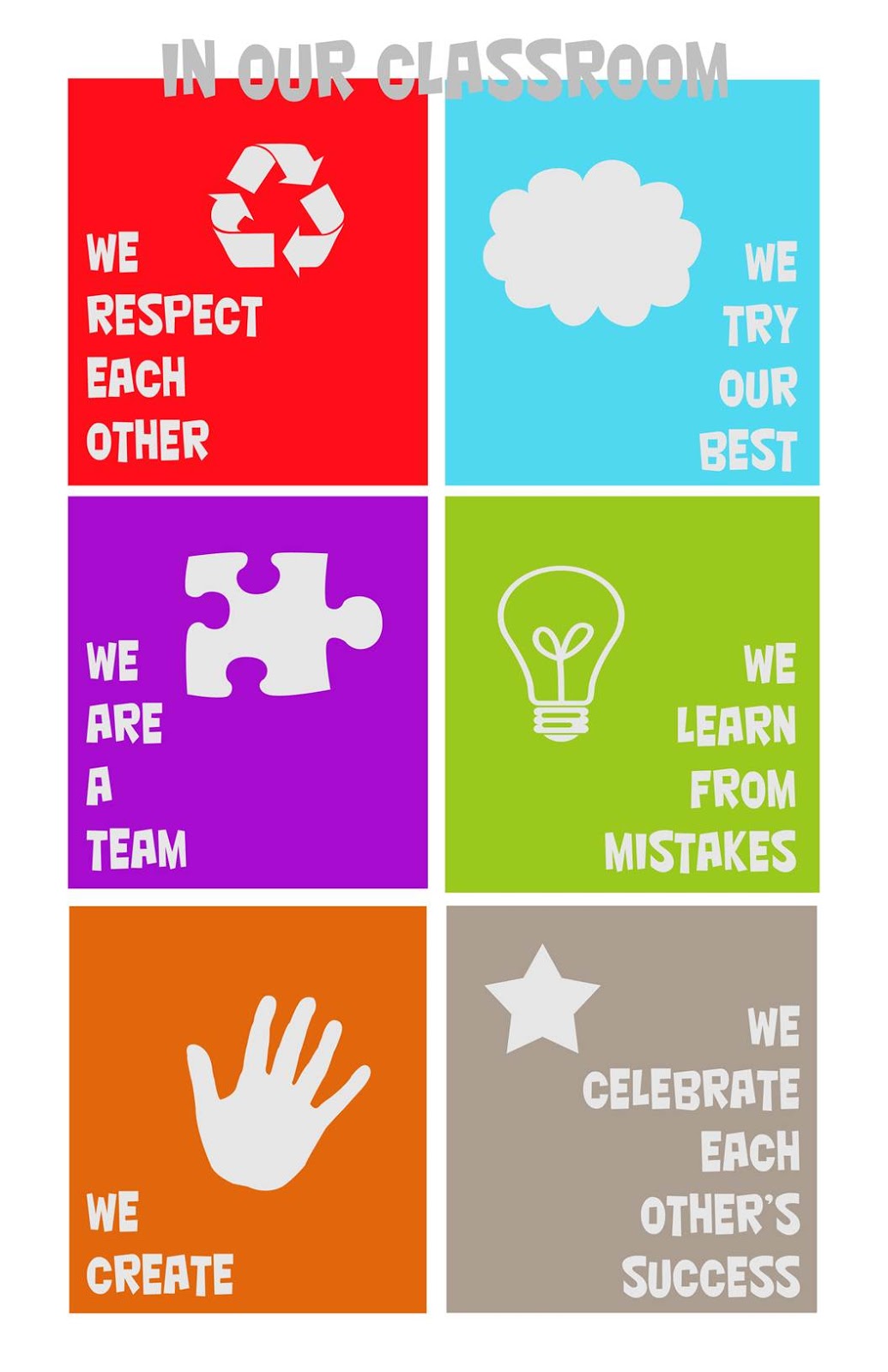
        Ipads are becoming more and more prevalent in student's lives and in school classrooms.  There are a few classrooms that have access to an Ipad, and therefore teachers are starting to need to create some guidelines for these Ipads.  I have created some guidelines of my own and designed the poster below using PowerPoint.

 
        You can feel free to use all, or some, of these guidelines in starting to create your own guidelines for new technology entering the classroom.  Good luck and have a blast with your new technology!

Olivia

Tuesday, November 6, 2012

Your "WildSelf"

Hello Everyone,

     Today in class, we learned how to create our "Wildselves", which is basically having fun on a website where you can design an Avatar of yourselef mixed with some of your favorite animals.  This website could be used as a resource for students during freetime, to practice their compter and internet skills.  In addition to this, it could also be used in an art clasroom, where students create their "wildselves" on the website and then take that idea and turn it into an art project.  Overall, is it a fun and creative website.  The link to the website and my "Wildself" is below: :)


Thank you,
Olivia

Tuesday, October 30, 2012

Favorite Teacher Website

Hello,
     Currently my favorite teacher/teaching website is Khan Academy for two reasons, with the first being the dedication and passion of Salman Khan, the website's creator, and the other is the website itself. 
     Salman Khan is the creator of this web resource and initially began it to help teach his daughter mathematics but it has branched out into so much more since then.  However, he still does not take a profit from the website and has all of the videos free for the world to watch and learn.  I think this is amazing because in a world where money and greed often seem like the driving force, there is at least one person who cares enough about learning to spread education for free.
     Secondly, this website is a fantastic resource for teachers.  For example, I have recently been tutoring my significant other in the subject of finite mathematics.  We recently began to cover the concept of matrices and in order to break down this concept and place it in more visual and easy to understand terms, I used a Khan Academy video to supplement what I was teaching him.  Not only did this video refresh my memory, it also helped my significant other have a greater understanding of how to complete his take home assignment.
     Overall, this website is a wonderful tool to supplement teaching, but not to replace it.  I would highly recommend it as a resource to refresh memories and to help those who may be struggling with a concept, especially mathematics concepts. 
     Thank you for taking the time to read this post and I hope you find Khan Academy as helpful as I have.
     Thank you,
     Olivia

www.khanacademy.org

Tuesday, September 25, 2012

Photoshop Cupcake

Photoshop Cupcake
    
     Photoshop is a great resource to use if you want to take and alter an image to fit the project you need or want to create.  For example, below is a before and after shot of a cupcake.

             
                         A Cupcake                                     Altered Cupcake


     In addition to changing colors and adding different backgrounds you can also remove the background and save it as a PNG instead of a JPEG, so there is not a white background added to image.  The advantage of this is the ability to insert images into worksheets and websites without having to adjust formatting for the white box around the image. 

Paper Cube

Cardstock Paper Cube
Use the template from the link below to creat a cube like this:


Uses for the cube
- Taking attendance
- Using words instead of pictures on the cube for practicing site words
- Teaching students how to modify and change images on the computer
- Project in Math class about shapes
- Putting students in groups
**Add a comment below if you know of more ideas that these cubes can be used for


Link to Instructions
http://styleburb.blogspot.com/2011/04/fun-family-photo-cubes.html

I Spy Book

I Spy Book

     One way to help students with sight words is to create an I-Spy book together. This collaborates learning their language, learning how to use technology, among many other skills. This would be a larger unit project, with different parts of the project spanning over days or weeks, depending on the grade level of the students. Overall, each student would create a page as seen below:

- A roll of paper is spread across the table
- Each student or group has a select number of objects
- Student place objects on the paper as they want and a teacher comes around to take photos as they are finished
- Make sure to have them write their names by their items so you, as the teacher, know who's picture is who's
- Take these photos and create a book using Vistaprint, order this book and have it in the classroom to do lessons on